Turn your product into a finished, animated sales page in under two minutes.
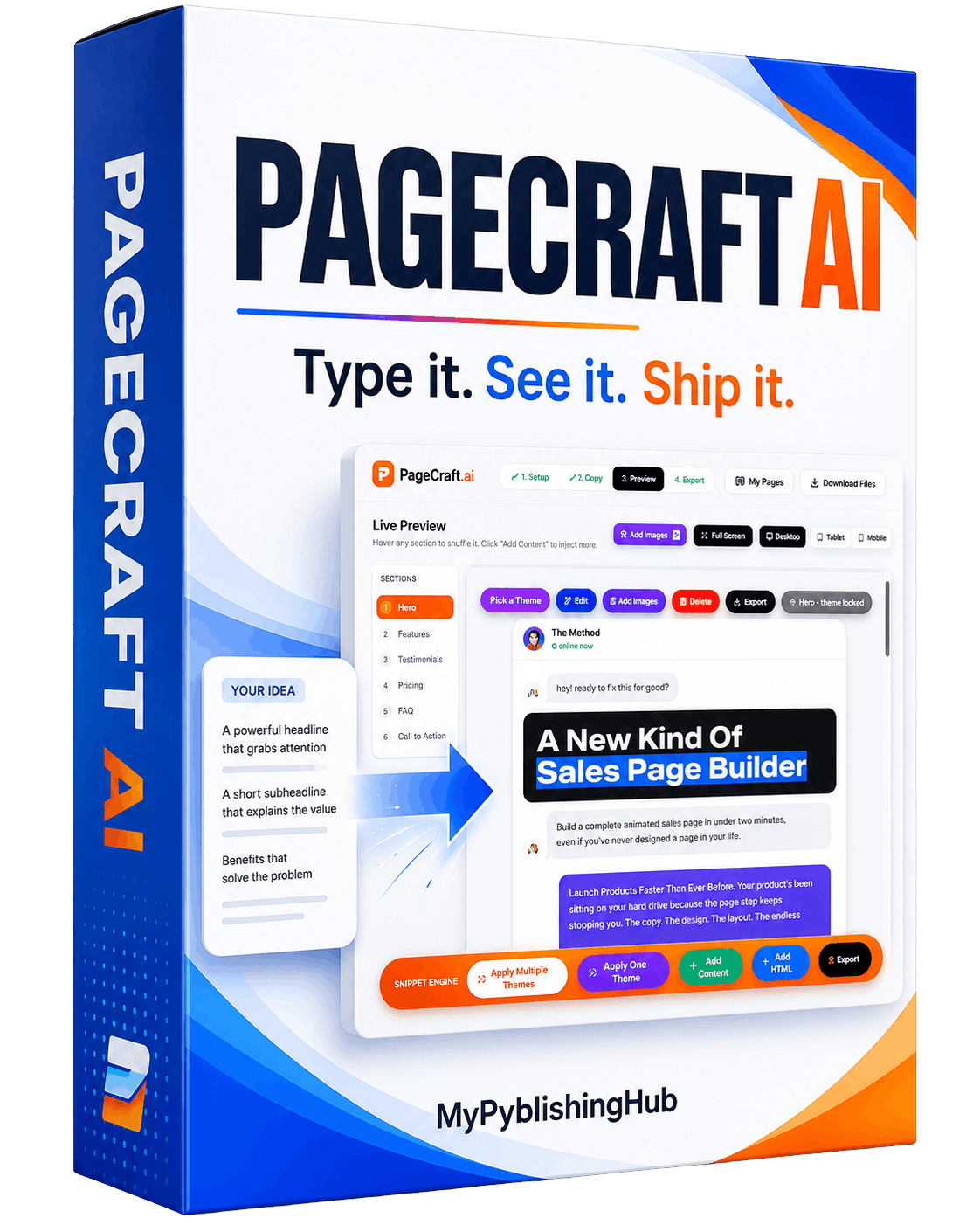
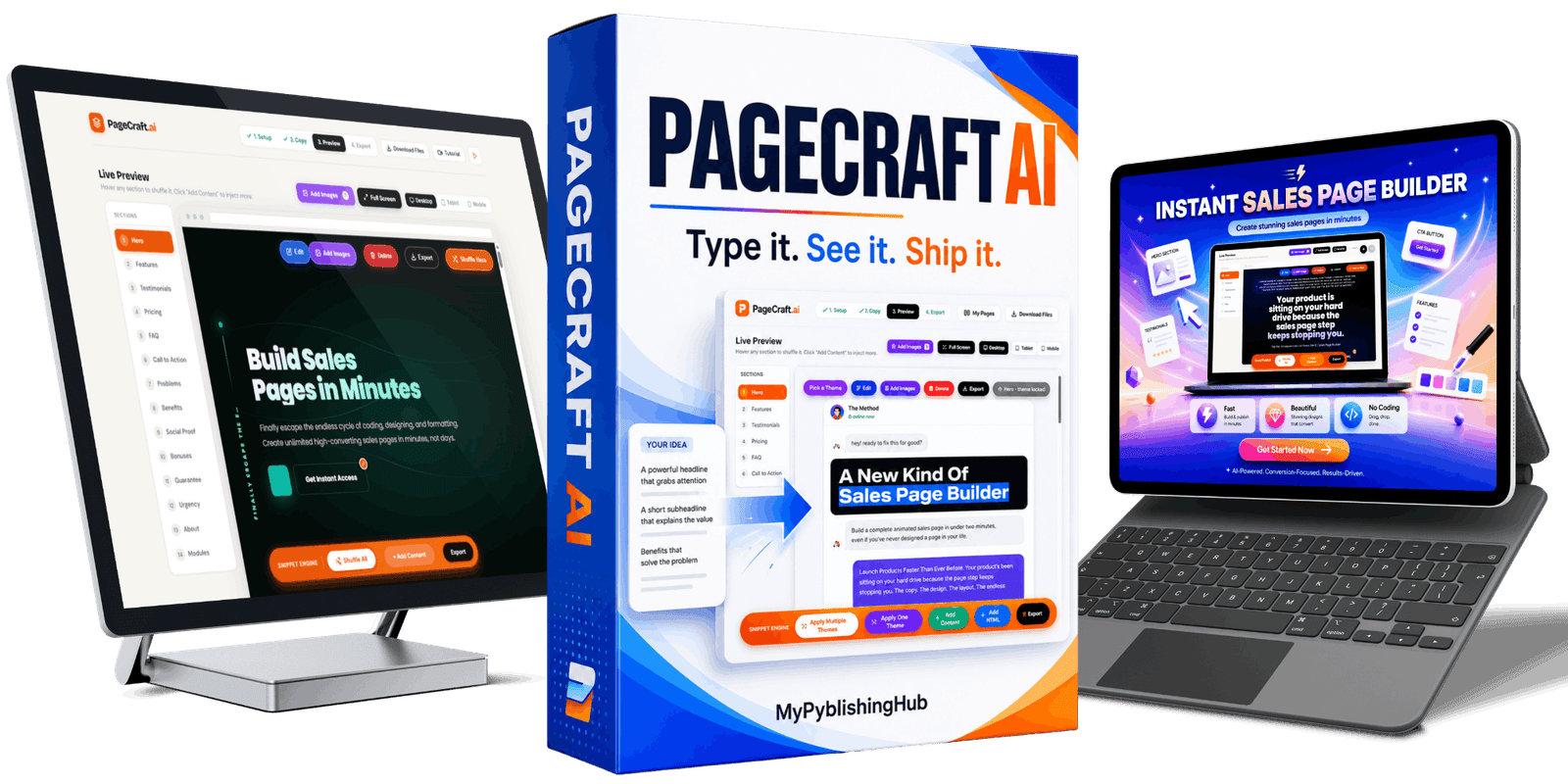
PageCraft AI helps you write the copy, drops it into a designed, animated theme, and exports a finished sales page from one simple app.
You bring the product. PageCraft handles the part that keeps delaying the launch.
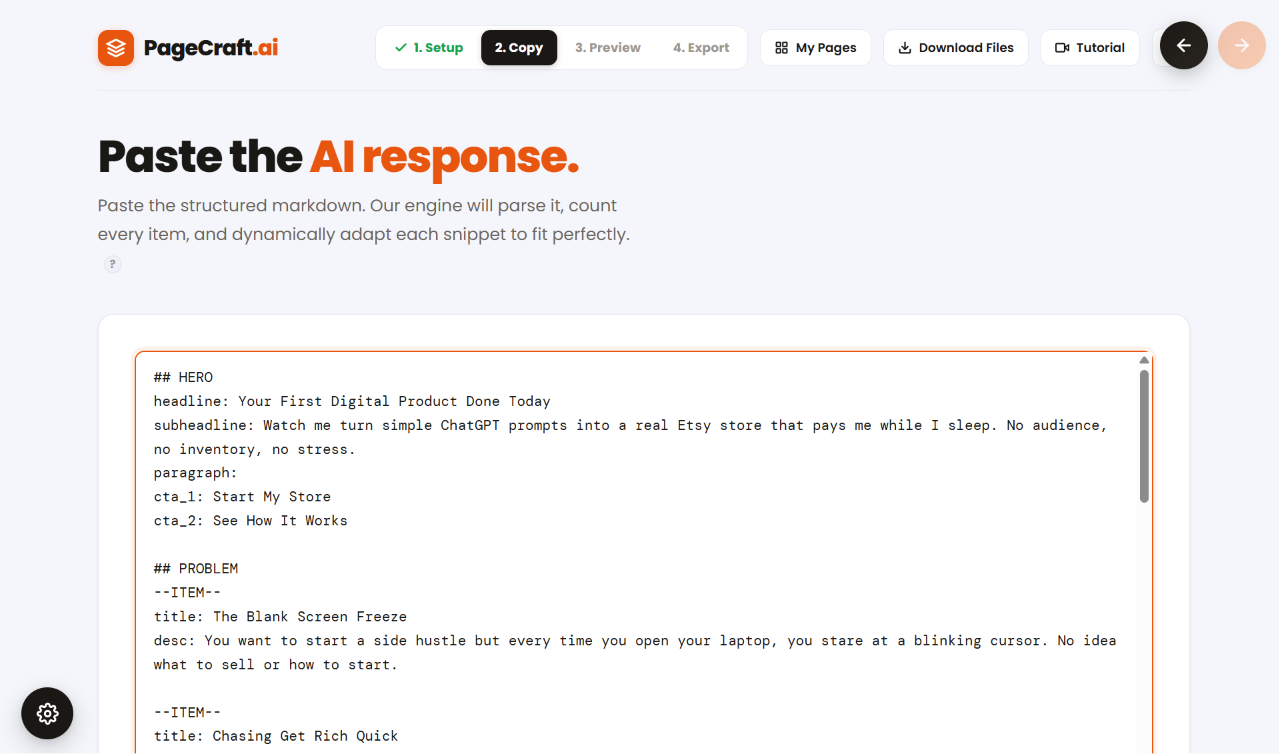
Paste your copy. Get a page
you can actually publish.
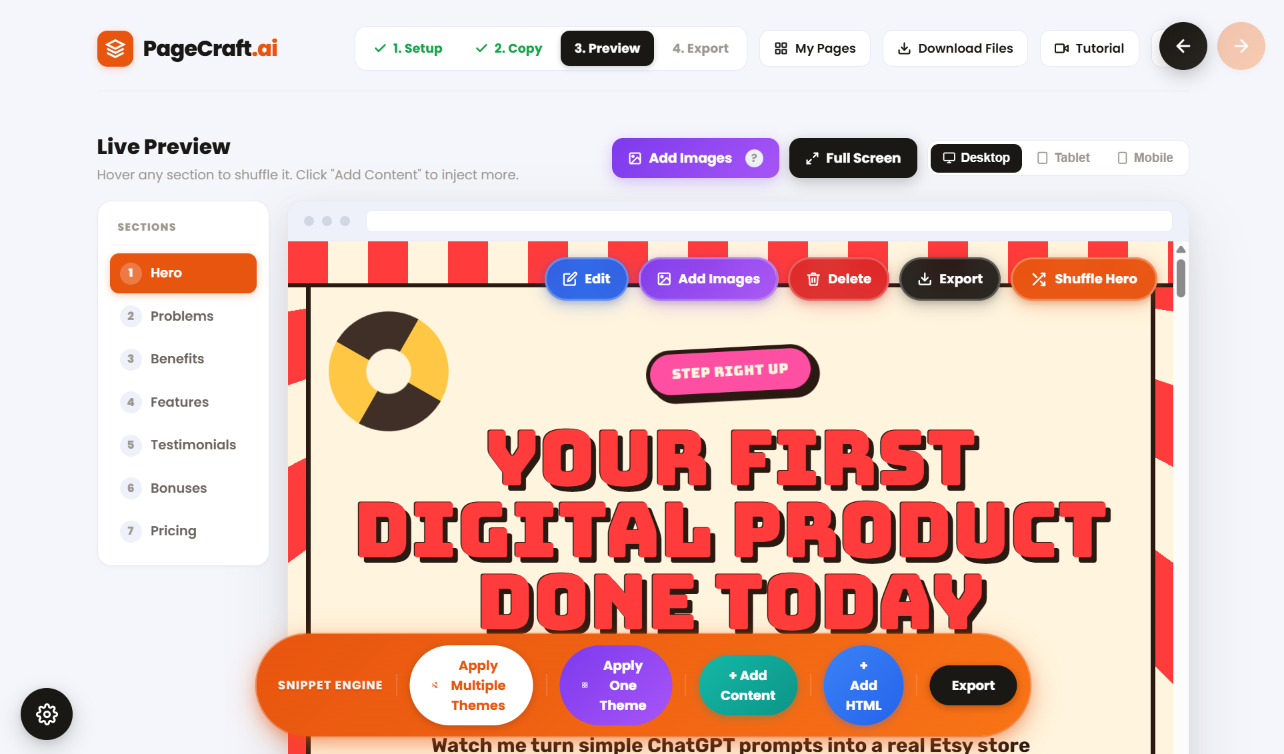
PageCraft takes the sales copy you already have and drops it into designed, animated themes in seconds. Each one comes with the sections, layout, colors, typography, buttons, spacing, and mobile formatting done. Preview them, pick the one that suits your product, and change anything you want.
Need help writing the copy?
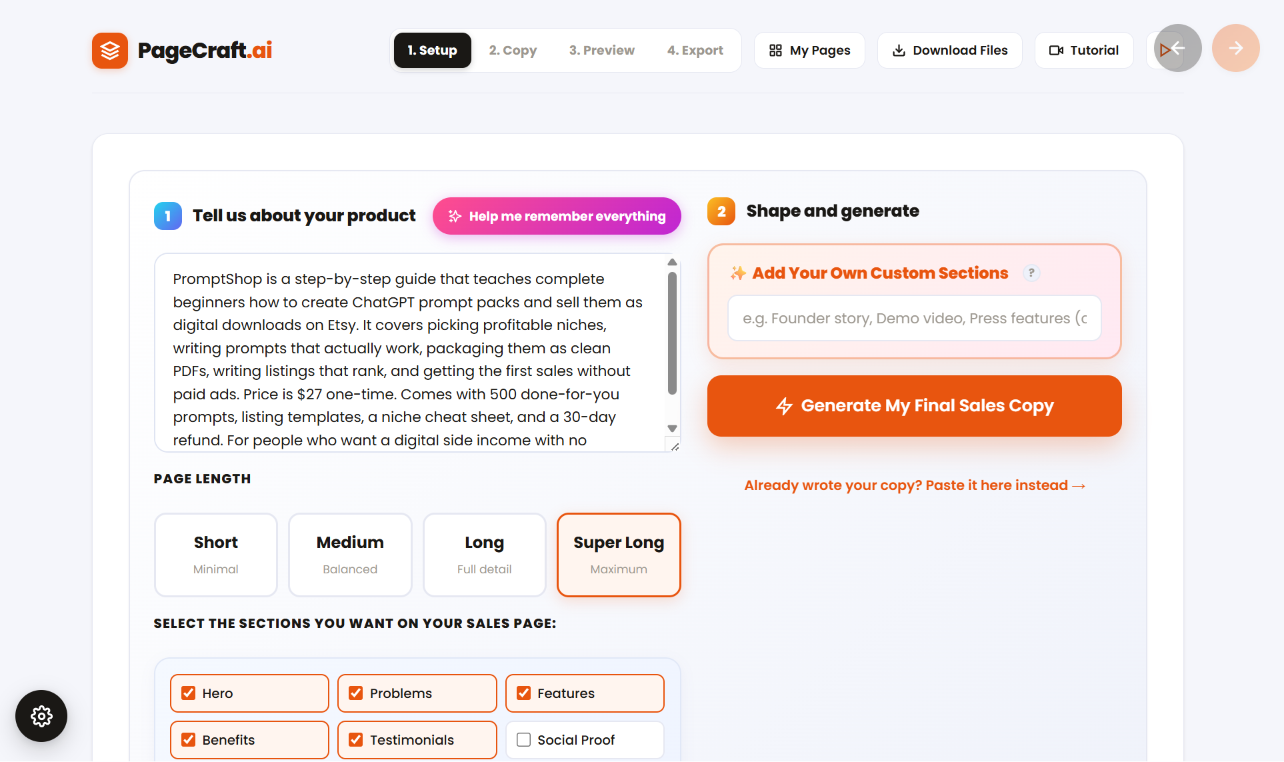
Describe your product inside PageCraft. The app prepares a detailed prompt using proven sales frameworks, ready for the AI tool you already use. Paste the result back, and your page is built.
Already have your own copy?
Skip straight to the builder. Paste it in, choose a theme, and watch it become a complete page.
Want a different look?
Switch themes or reshuffle the design. The same copy can produce a whole range of different pages without making you rebuild anything.
And as a bonus, you also get my mega prompt. It generates unlimited new themes beyond the ones already built into the app. Pretty much any theme you can think of, in seconds.
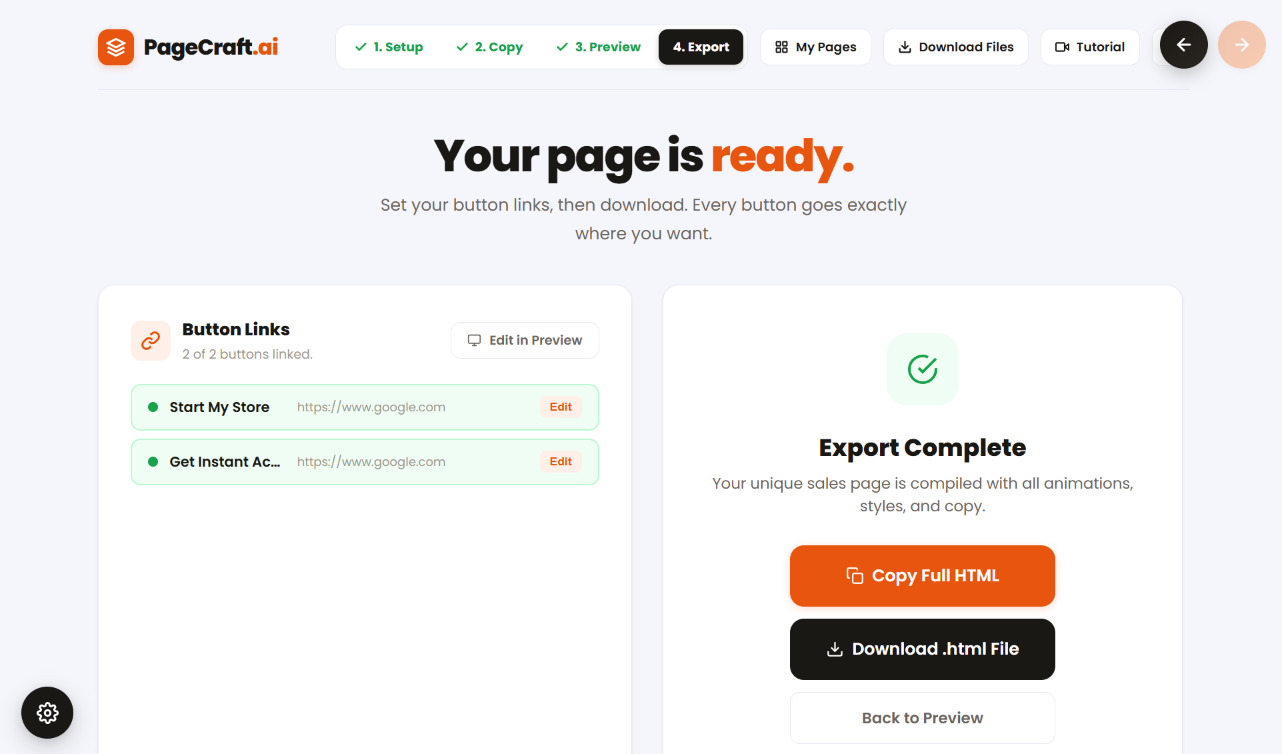
When you are happy with it, add your payment link and export the whole page as one HTML file. The file belongs to you. Use it for your own products, for client work, or for pages you sell.
Describe your product, or paste your copy
Start from a blank screen or bring the copy you already wrote.
Let PageCraft build the page
Your copy drops into designed, animated themes in seconds.
Choose your favorite, edit it, export
One HTML file, yours to publish anywhere.
Want proof?
This is the part that
would've saved me months
I could explain PageCraft AI for another ten sections. Or you could spend two minutes watching it work. A product goes in, a sales page comes out. That's the whole promise. If it looks useful, keep reading. If it doesn't, you just saved yourself a lot of scrolling.
Describe your product
Generate the copy
Paste it into PageCraft
Export your page
The app is the start. Here's the rest.
I could've sold half of these as separate upgrades. I didn't. I'd rather stack the value into one honest offer than nickel-and-dime you through a funnel. So everything below comes with PageCraft AI, today, for one price.
The PageCraft AI app
Your core tool for turning finished copy into a finished, animated sales page in minutes.
The Free Deployment Guide
A detailed, beautifully designed PDF that walks you through putting your finished pages online for free. Full demonstrations and examples, no paid hosting platform, no monthly bill. Your app builds the page, this shows you exactly where to launch it.
Theme Prompts Vault
A library of ready prompts. Copy one, paste it into ChatGPT or Claude, and it builds a full theme you can import into PageCraft. Once it's in, it joins your themes and you can apply it to any copy you create later.
Page Effects Picker
Over 300 HTML effects: button styles, text animations, hover effects, shadows, click effects, and more. Browse the library, click the plus next to the ones you like, and they drop into the panel. When you're done, the app turns your picks into one smart prompt that redesigns your page with all of them at once.
SalesForge AI
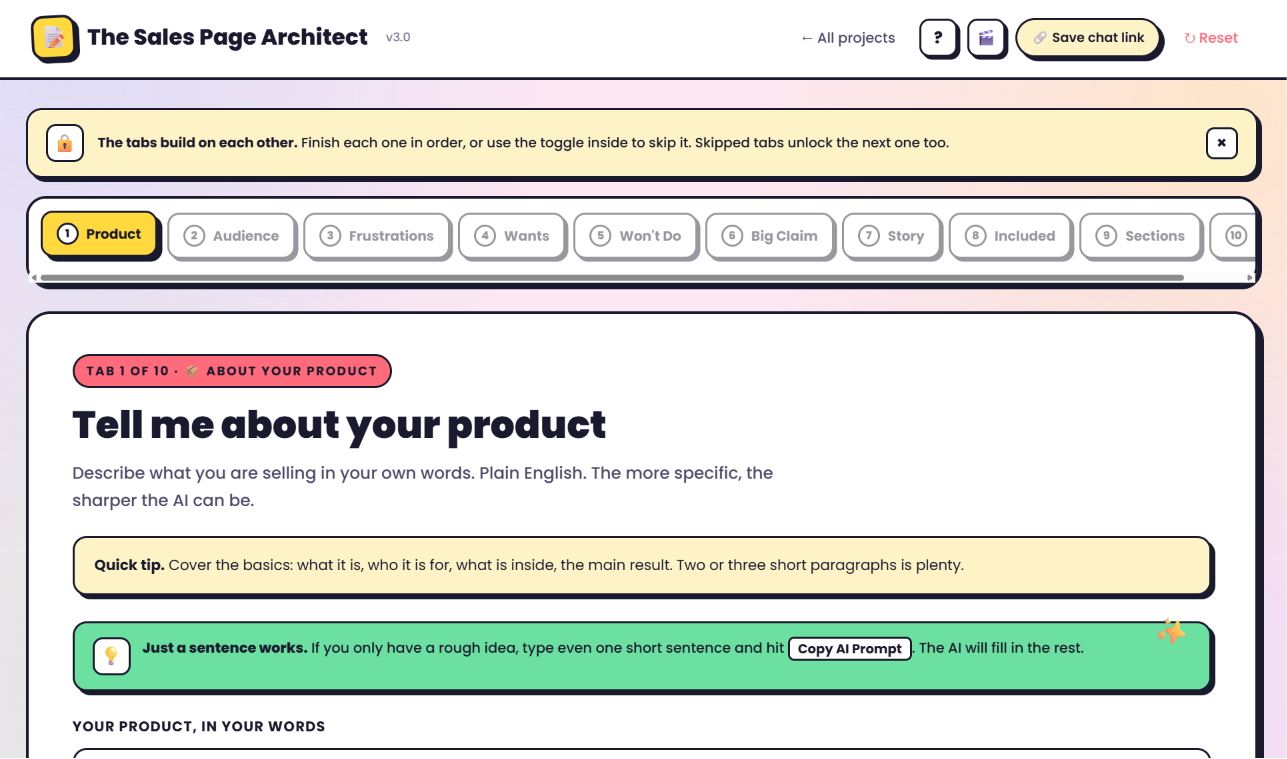
A full app I planned to sell separately, included here as a time-limited bonus. Type a few product details, choose a theme, and the app hands you a long, creative prompt for ChatGPT or DeepSeek. Paste it and it builds a complete sales page: real copywriting with a smart framework, plus animated design and hover effects. Not the generic kind.
Mother Prompts Library
A deeper prompt set built to generate unlimited theme code for any topic or product you throw at it. When the built-in themes aren't enough, this makes more, on demand.

PLR Rights Certificate
A time-limited certificate giving you unlimited rights to the pages you build. Sell them, give them away, package them, send them anywhere. The pages you create are fully yours to do with as you like.
10 Days Of Premium Themes
A fresh, ready-to-use theme in your inbox every day for 10 days straight. Each one is a complete, animated design that drops right into PageCraft and holds your copy. Not samples, finished themes you can use on real pages the moment they arrive. By day ten you've got a small library of looks to pull from, each different enough that your pages never start to feel same-y.


The part everyone assumes is complicated
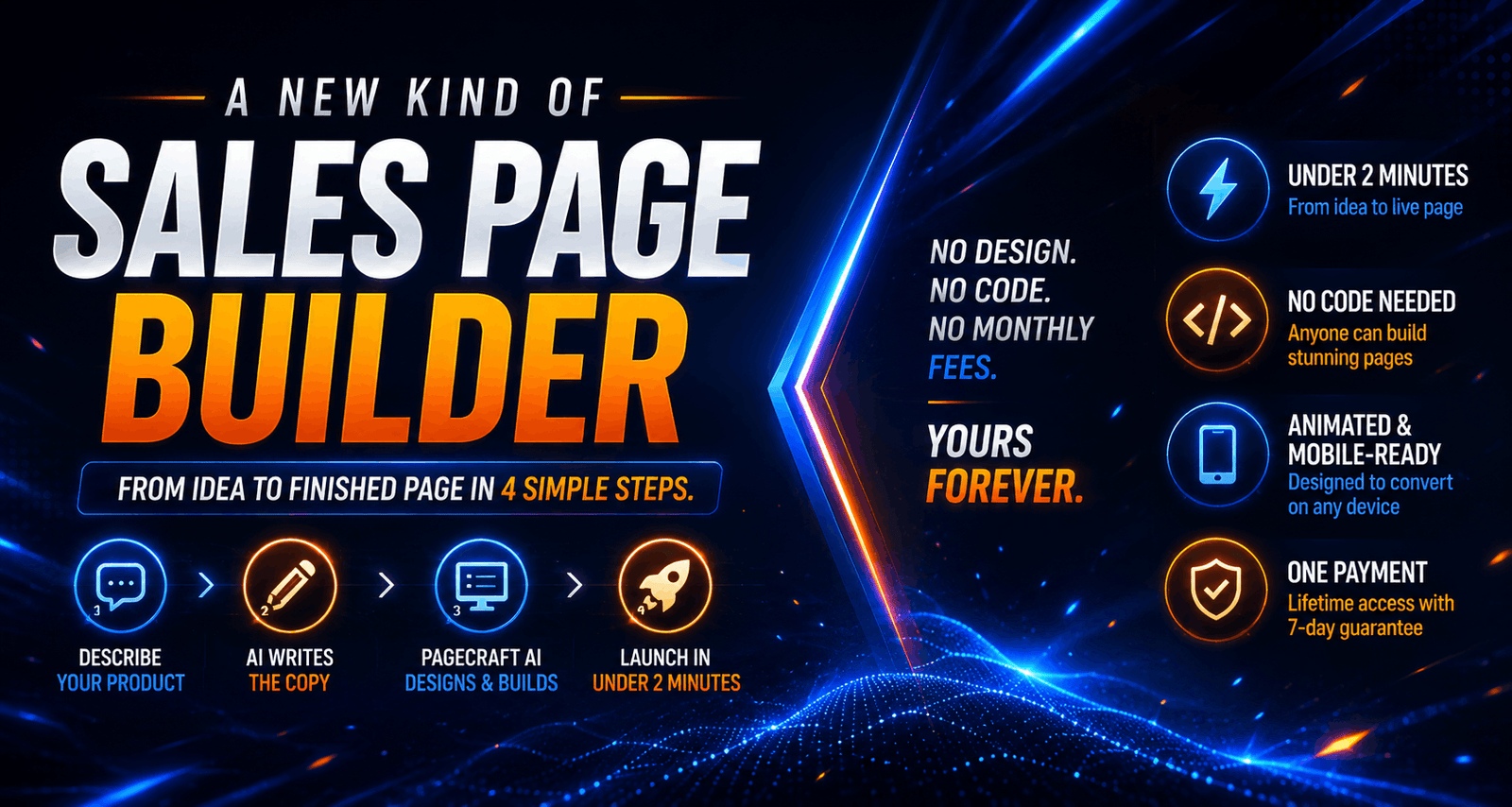
It isn't. Here's the whole process, start to finish.
Describe your product
Tell the app what you're selling in a sentence or two. No forms to agonize over, no perfect wording required. Rough is fine.
Generate the copy
The app builds a smart prompt and hands it to the AI you already use. Paste it in, paste the copy back out. Done.
Turn it into a page
PageCraft AI instantly turns that copy into a designed, animated page. Pick a look, shuffle the design until it feels right.
Export and launch
Download the finished page or copy the code. It's yours. Put it anywhere you sell.
That's it. No page builder to learn, no design software, no code.
First time through takes about two minutes. After that, less.
"Couldn't I just do this myself?"
Yes. You could. I did, for years. That's the whole reason this app exists. So before you spend $17, let me talk you out of it. Here are the four ways you'd build a sales page without PageCraft, and the wall each one runs into.
Just ask ChatGPT
You already know what comes back: a flat wall of text, no design, no animation, copy that sounds like every other AI page online. You'd spend the next hour re-prompting, and still have to build the page somewhere else.
Use a page builder
ClickFunnels, Systeme, Elementor. Great tools. Also a monthly bill, a learning curve, and an afternoon of dragging boxes around. You came to launch a product, not to learn software.
Buy a template
Cheaper, faster, and identical to the thousand other people who bought the same one. You still write every word of copy yourself, and still bend your product to fit someone else's layout.
Hire someone
A good designer costs hundreds and takes a week. A cheap one costs less and looks it. Either way you're now managing a freelancer instead of launching.
Every one of those options works. That's why people keep trying them. The problem is that each one asks you to become something else for a while.
Everything else is handled for you.

The parts that make it feel like
yours, not a template
Most AI page tools hand you one page and call it done. PageCraft hands you control. Here's what that actually looks like.
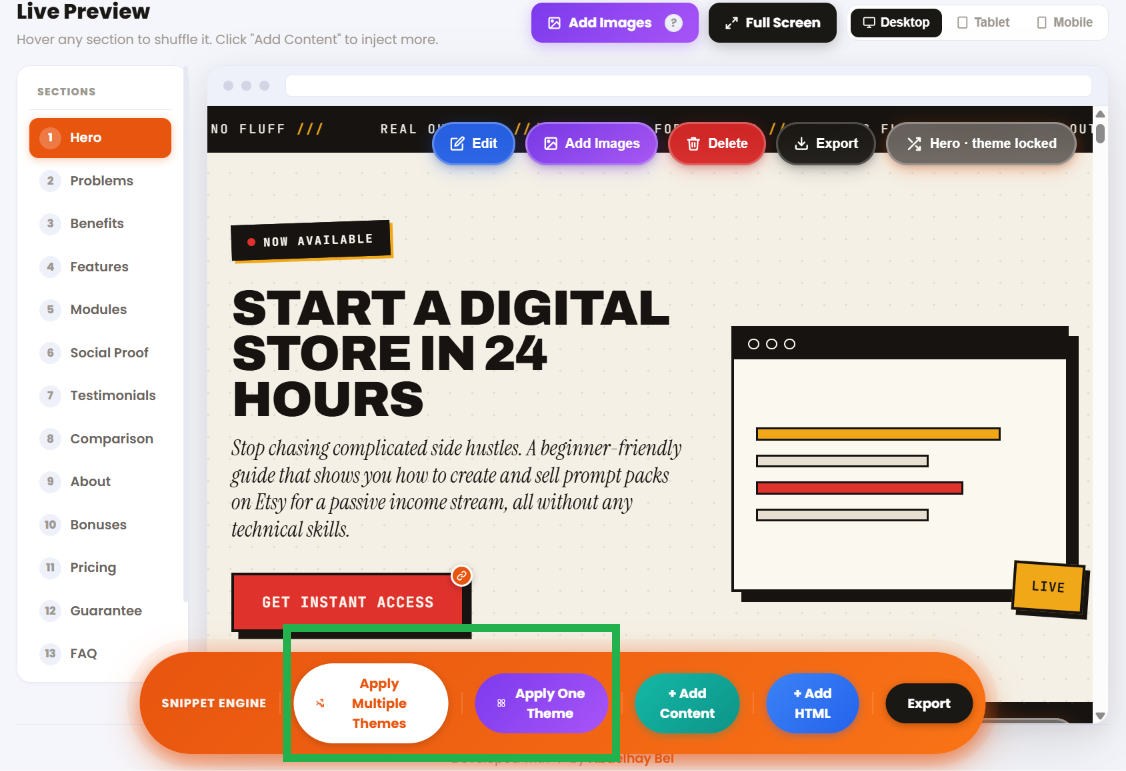
Want a different theme?
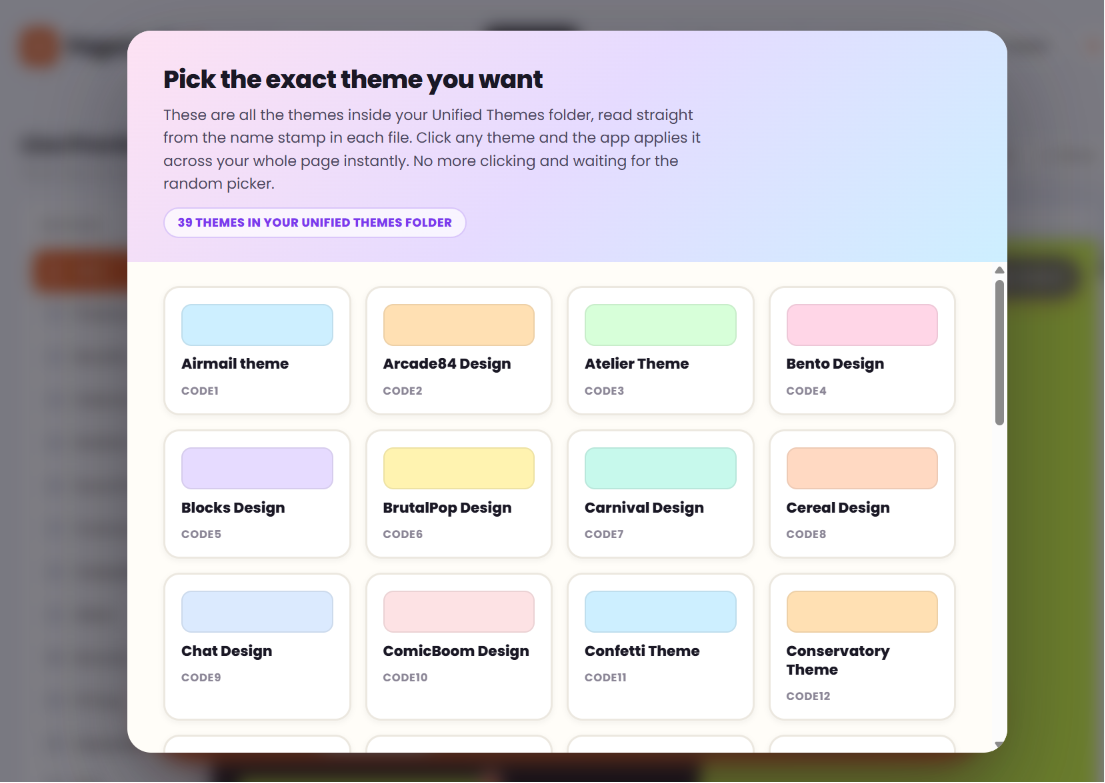
Open the theme window and pick the one you like. Preview each theme first to see how it actually looks on a real sales page, and scroll through the whole list with your mouse.
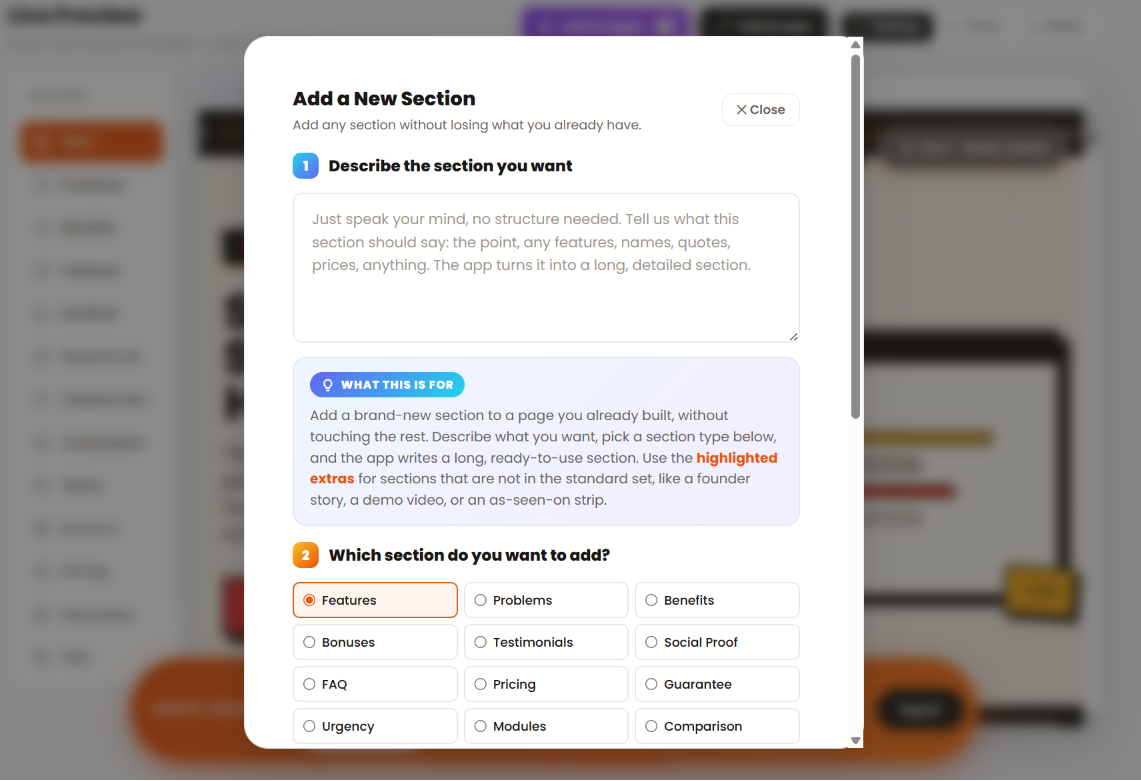
Add content without breaking the design
Drop a new section into a finished page and it inherits the look automatically. No mismatched fonts, no broken spacing, no theme falling apart because you added one more thing.
Drop in your own HTML
Your purchase button code, a disclaimer, footer branding, a copyright line, any snippet you need. Paste it in and it lives on the page. The tool bends to what your launch actually requires.
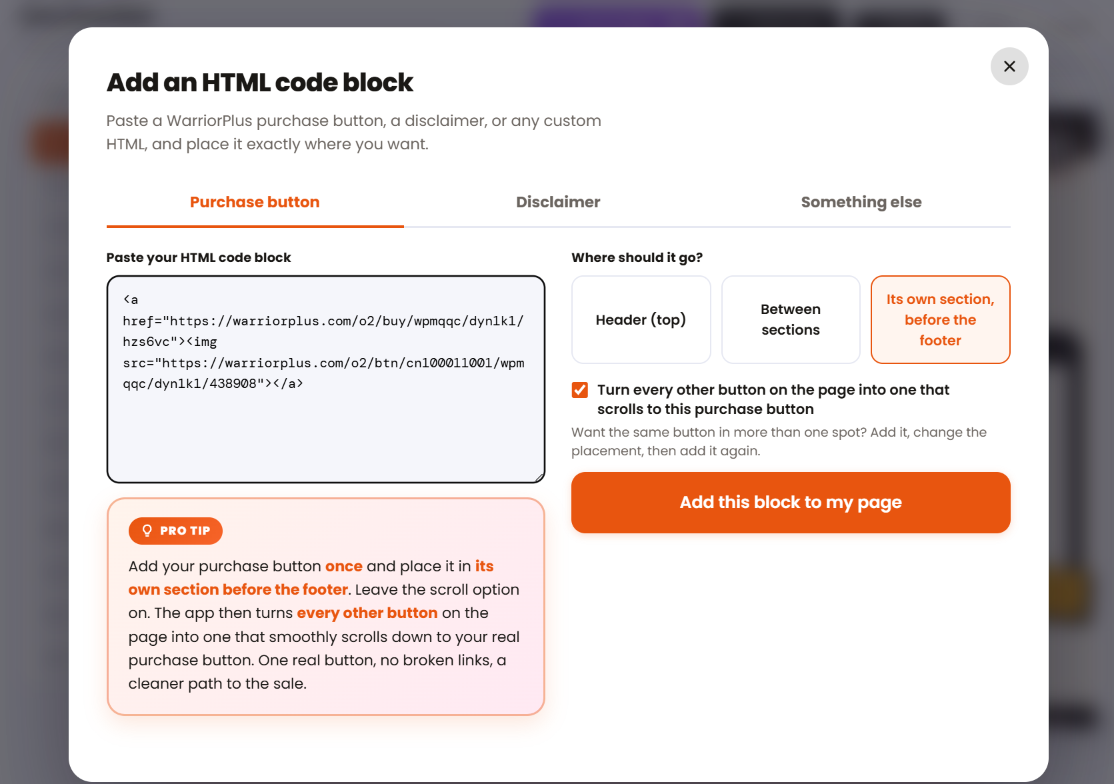
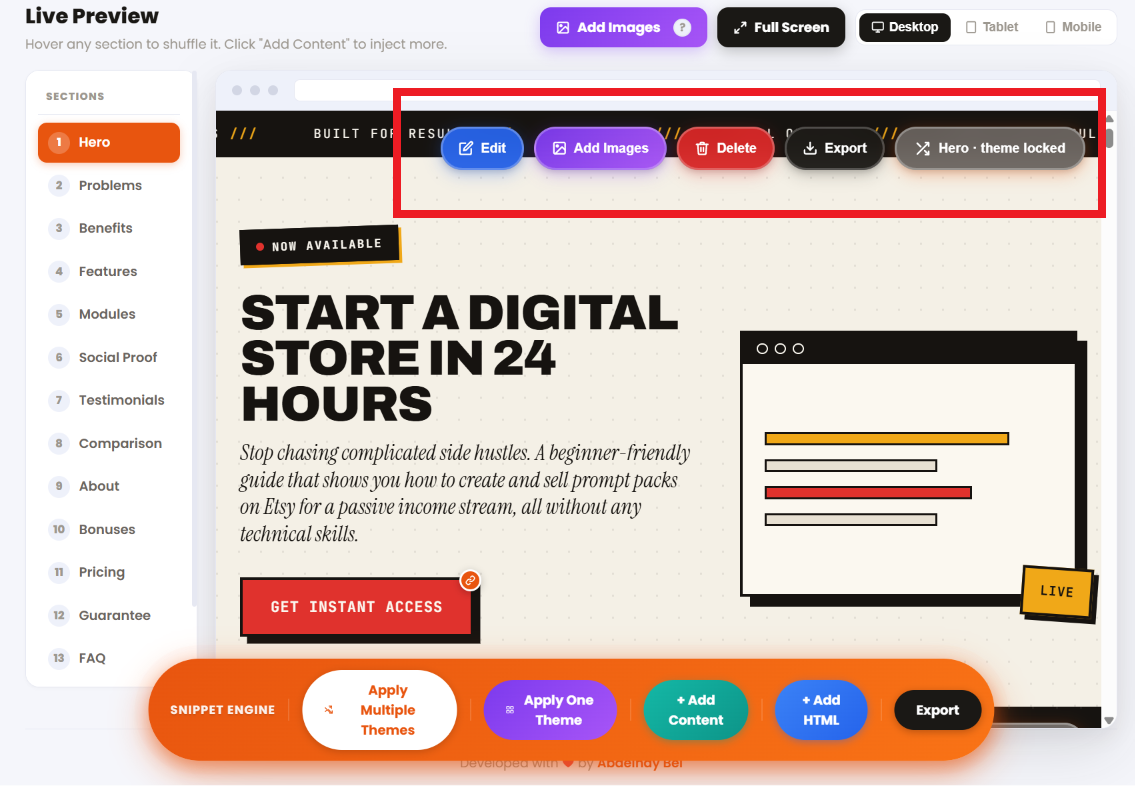
Edit anything, or everything
Add sections, delete the ones you don't want, reorder them, rewrite the words. If you're a developer, open the raw code and go as deep as you like. It's your page, down to the last line.
Make every button do exactly what you want
Add one link to all your buttons at once. Or a different link to each. Or flip them into scroll-triggers, so every button glides the reader straight down to the purchase button at the bottom. One click, and the whole page funnels toward the sale.
I'm a creative person and
the laziest man alive

Those two things fight each other constantly. I have the vision. I just refuse to do the boring work to get there.
It started with two of my own launches. A masterclass, then a course called Interactive Worksheet Creators. I used AI to write the copy and build the pages for both, and the results were genuinely good. But getting there nearly killed me. Copy a result, paste it, ask for a fix, redraft, paste again, tweak, change my mind because it didn't match my vision, start over. Days. For one page.
So I did what lazy people do. Instead of getting faster at the tedious process, I built a machine to delete it. Something I could use myself that made the whole thing quick, simple, and honestly kind of fun.
It started as a copy builder. Then it became a copywriter too. Then a full page builder. I ran it on more than 200 test products just to see if it would hold up, and it surprised me every single time.
There was one more thing I wanted that the big tools wouldn't give me. Systeme, GetResponse, the rest, they lock you in a room and hand you their designs and that's that. So I built PageCraft the opposite way. It runs off a folder on your desktop. Add as many of your own snippets as you want. The copywriting frameworks sit in a plain text file you can edit, delete mine, drop in your own. All it needs is something to pick from.
I'm proud of it now. My friends and beta testers are happy with it. And I still use it for every page I launch, because I'm still lazy, and it still works.
Let me be straight about the edges
A page this convincing should make you a little suspicious. So let me draw the lines myself, before you go looking for the catch.
Turn a bad product into a good one. If nobody wants what you're selling, a prettier sales page won't fix that. PageCraft gets your offer in front of people faster. It can't make the world want it.
Create the product for you. You still bring the idea, the offer, the thing worth selling. PageCraft handles everything after that.
A host. PageCraft builds your page and hands you the file. Where it goes, your site, your funnel, your platform, is up to you. That's freedom, not a missing piece, but you should know it walking in.
A website builder. It makes sales pages, the single focused page that sells one thing. If you need a ten-page site with a blog and a shop, this isn't that tool.
Replace your judgment. Sometimes you'll want to tweak a headline, swap a section, change a line. That's normal. PageCraft isn't trying to replace you. It's trying to remove the parts that slow you down.
It removes the building, the formatting, the redesigning, the back-and-forth that turns one sales page into three days of work.
That's the job. And if that's the problem you're trying to solve, you're in the right place.
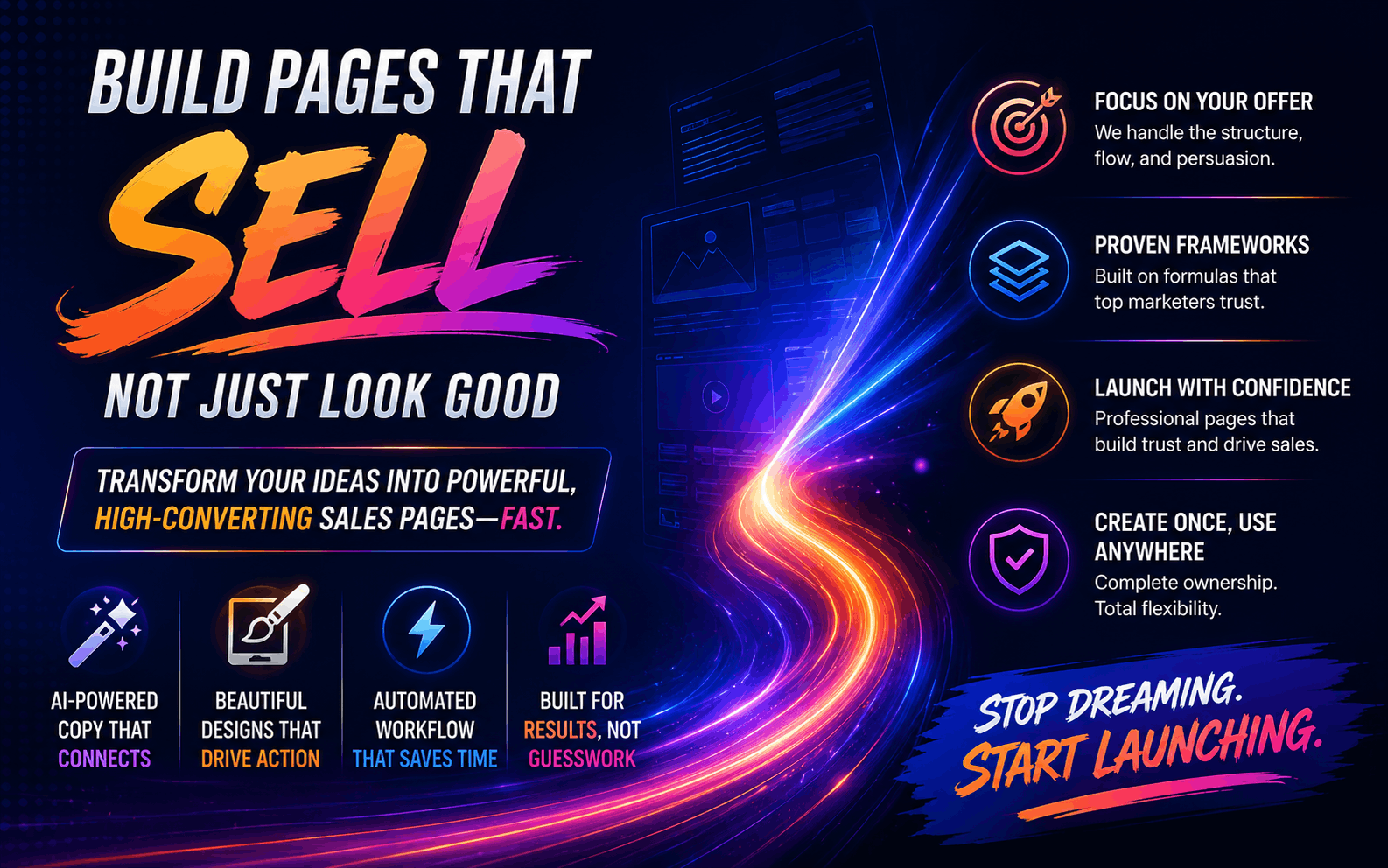
Use it. If it fights you,
I'll fix it or refund you.
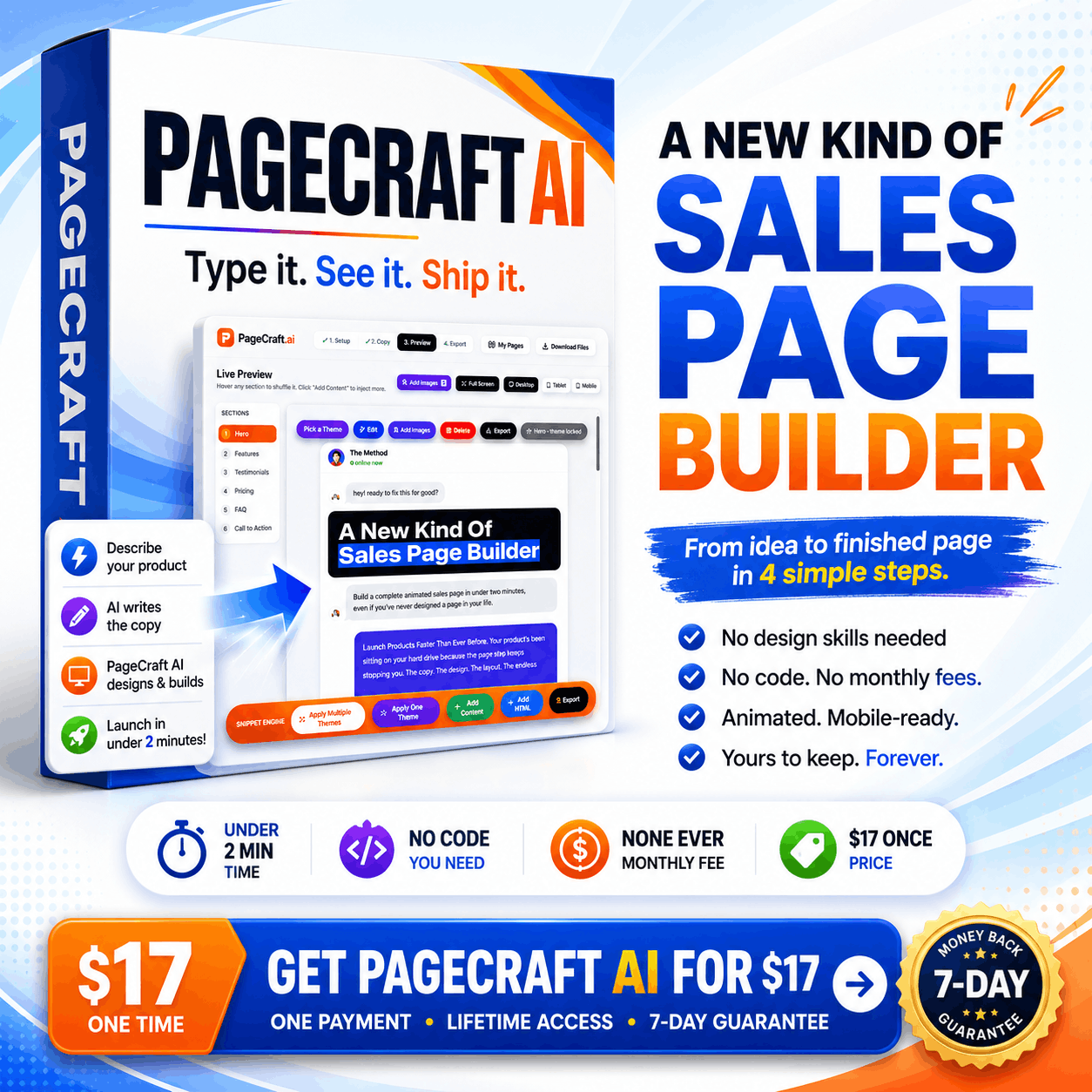
I spent a ridiculous amount of time building PageCraft AI, because I was solving a problem I personally hated. The only way to know if it does the same for you is to actually use it. So use it. Build something. See how fast it puts a page together.
If you hit a wall, or an error I never caught, do one thing first: email me at support@mypublishinghub.com and tell me what happened.
If I can't fix it for you, I'll refund every penny.
One fair line
This covers what the app promises, not what it never claimed. PageCraft builds sales pages. It isn't a website builder, it isn't a host, and it doesn't create your product for you. That's written plainly on this page. So a refund asked for on those grounds isn't one I can accept. Inside what it promises, I'll fix whatever breaks or give your money back.
Give me the chance to make it right, and if I can't, you walk away whole.
Your product is
still on your hard drive
It was at the top of this page. It's still there now. The only thing that's changed is you've read all the way down here, which means the page step is still the wall, and some part of you is tired of it being the wall.
You get two apps and everything around them. For the price of lunch.
It's $17 today. Tomorrow it's $19. A couple of days after that it's $27 for the rest of launch week. Once the launch closes, it goes to its full price of $47. Same app, same bonuses, every step of the way. The only thing that changes is what you pay for showing up late. I'm not going to pretend a timer is about to explode. I'm just telling you the number goes up, because it does.
The wall comes down in about two minutes. Whenever you're ready.